Math League
Link to use for Lynda
Google Form for Lynda Progress
Math League
Link to use for Lynda
Google Form for Lynda Progress
Test your geography knowledge and prepare for the Geography Bee at the same time! The links below contain questions from the 2014 Geo Bee so you can get familiar with the types of questions. Take each test and then check with the EY coordinator at your building to find out your scores.
You can also take take a daily GeoBee quiz here: http://www.nationalgeographic.com/geobee/quiz/today/
Good luck!
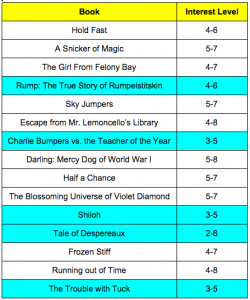
Thank you for your patience as the EY Team continues to refine the Battle of the Books competition details. We took your feedback from previous years and we are working hard to make sure we provide a great learning experience for our students. We must also focus on aligning all opportunities with our team goals. Please note the following BOTB details:
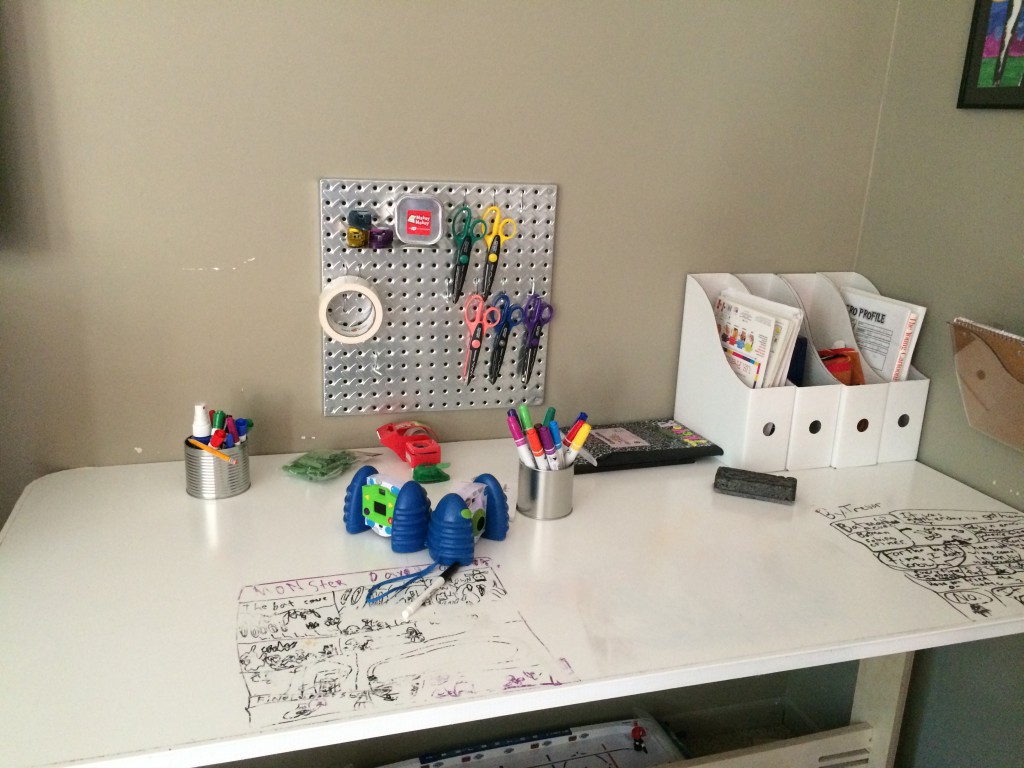
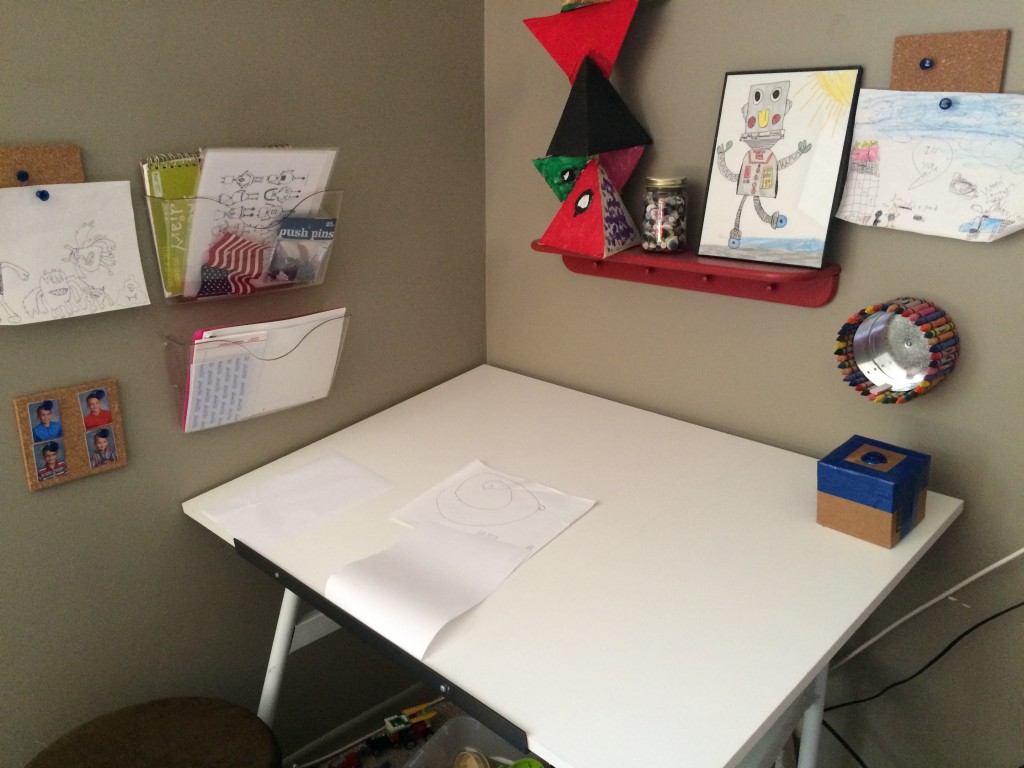
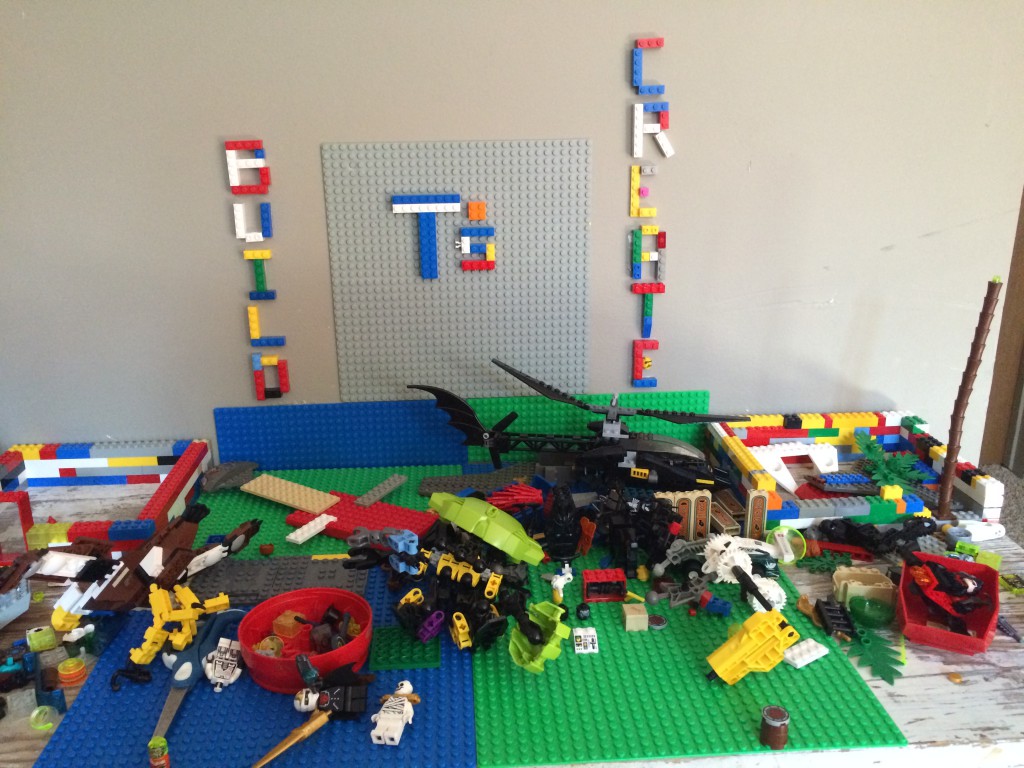
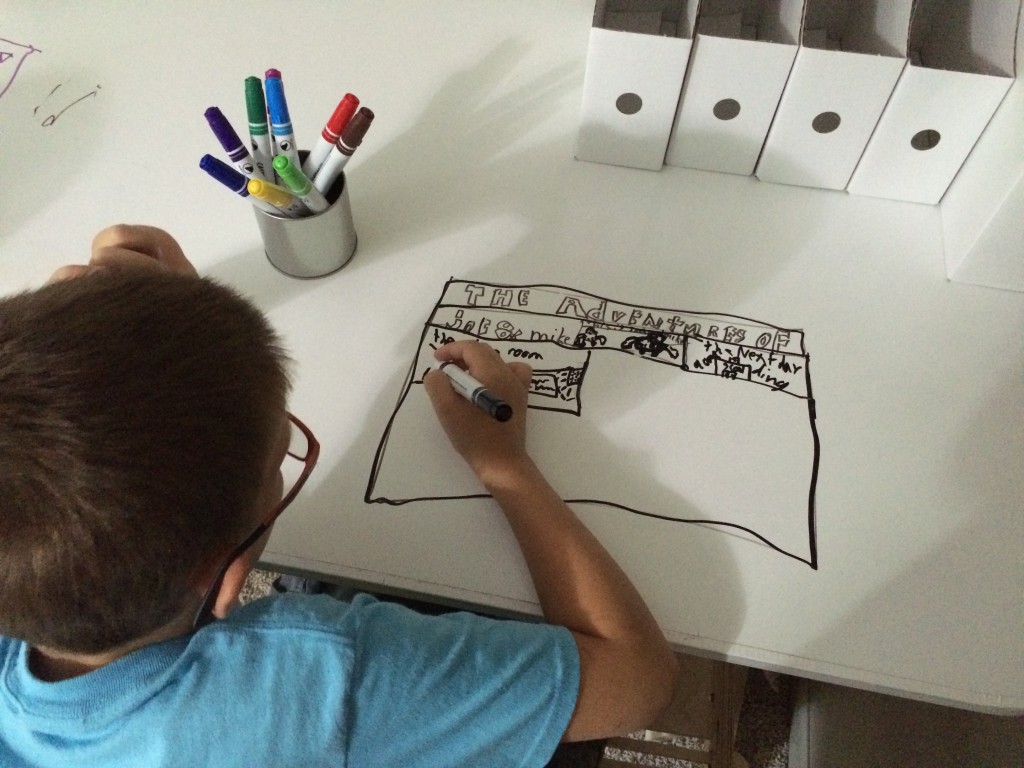
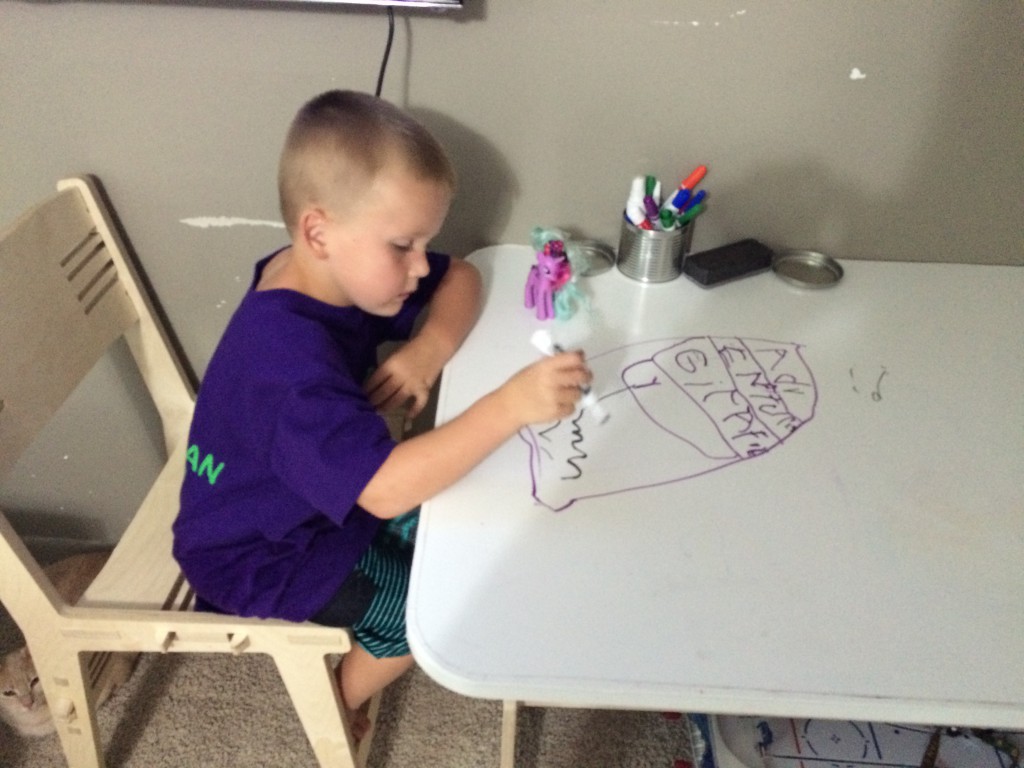
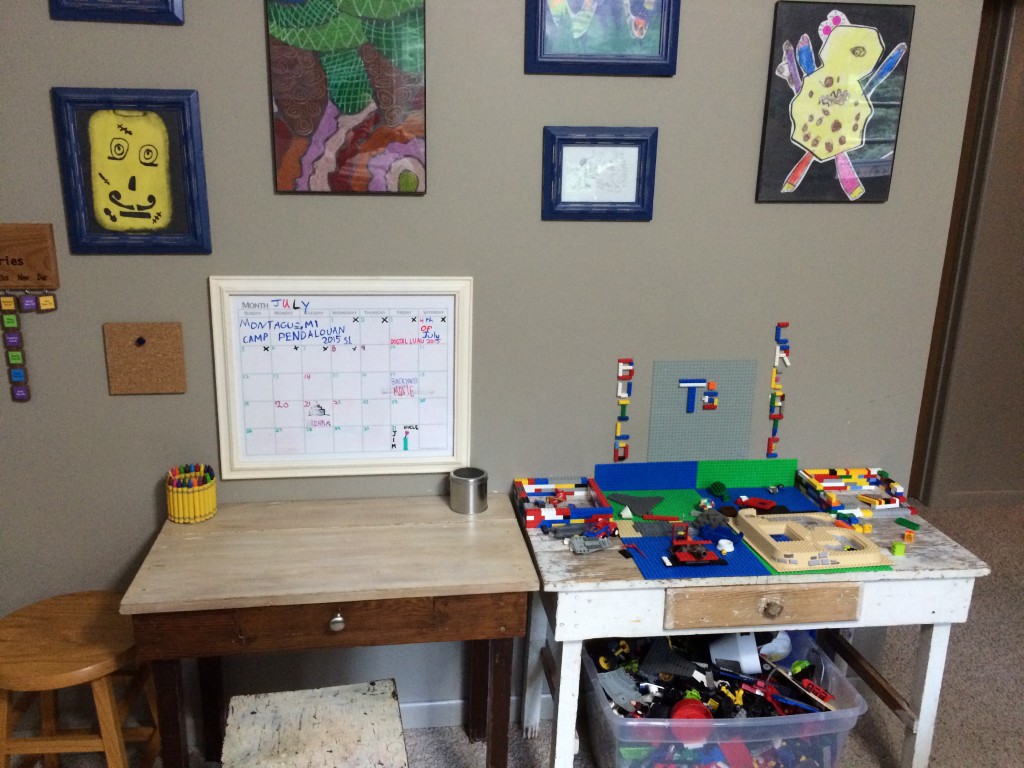
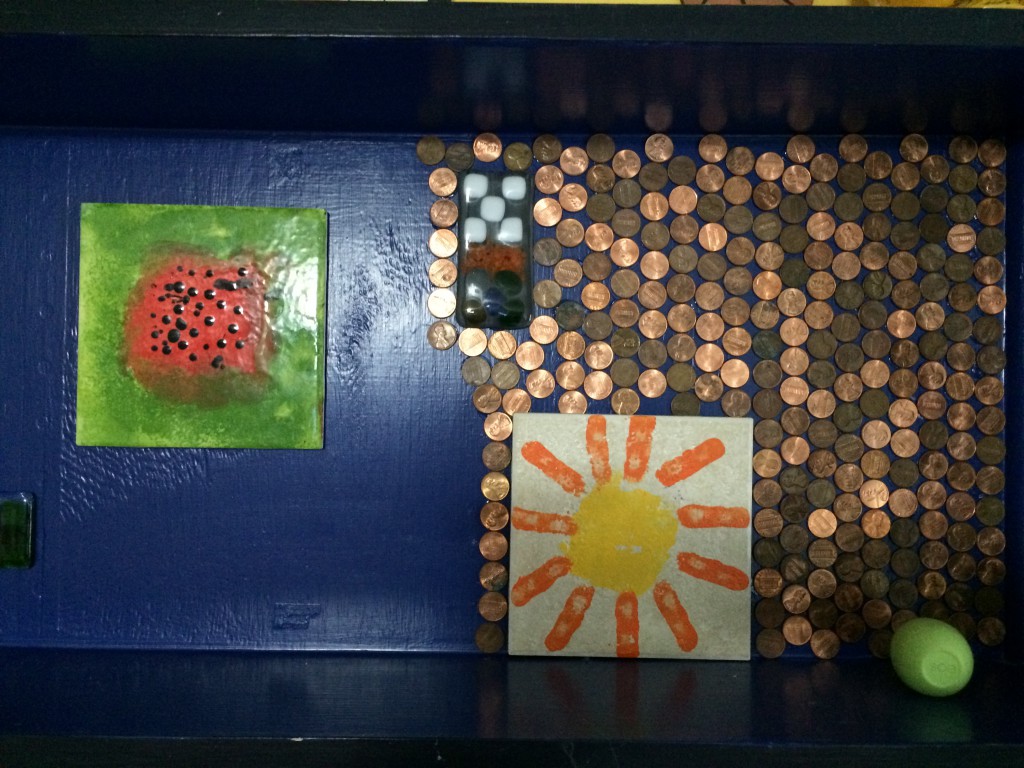
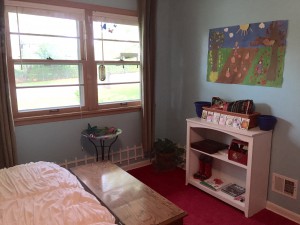
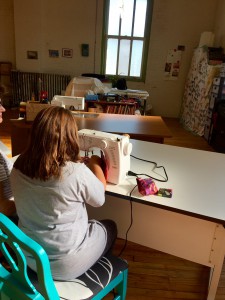
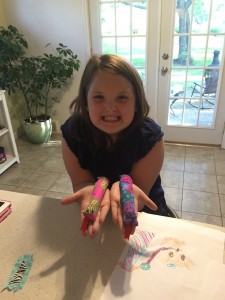
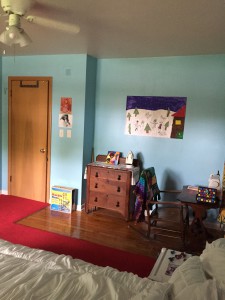
This summer, I decided to approach screen time from a different angle. Instead of coming up with more rules and regulations, I decided to create some spaces in my basement that might seem more appealing than screens. Check out the the Spady boys’ Makerspaces.
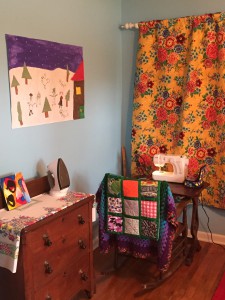
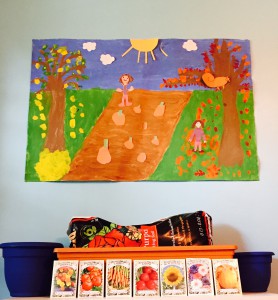
My friend Karin recently gave her daughter Ava’s room a makeover. What do you get when you combine a sewing machine, art wall, marble run, outdoor bird feeder, indoor garden, and a doorbell? A makerspace fit for a queen! What kid wouldn’t love a room like this?! I’m thinking about asking Ava if I can rent the space for myself! 🙂
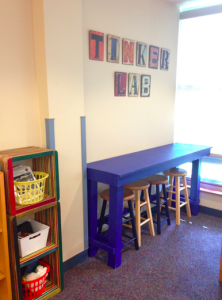
Makerspaces are popping up in schools too! The library seems to be a good fit for these exploratoriums since students come in and out throughout the day. Librarian and EY Coordinator Miss Heflin (@missheflin) is starting a Tinker Lab in Paddock Road’s library (@PaddockRoad66). How exciting!
So what are your thoughts? Do you have any suggestions for managing screen time? What kinds of materials would be in your ideal makerspace? Do makerspaces belong in schools? Leave a comment and share any resources!
Learn more about how to add spark to your writing.1. Set up your mini spark recording page: #3: Let’s Simile
2. Watch this BrainPop Jr. video about Similes. Record a few of the examples from the video on your recording page.
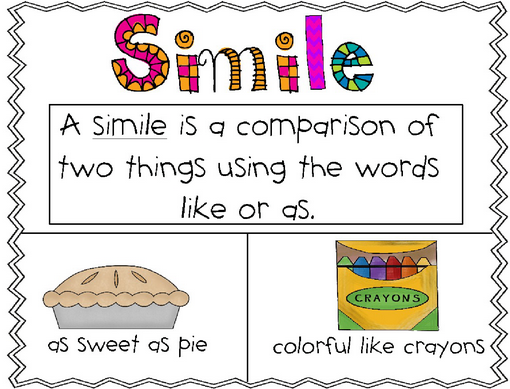
3. Use this image as an example Draw your own image on your recording page.
picture from ehssjadej.edublogs.org
4. Fall Simile Writing Activity. Copy these 3 of these sentence starters on your recording page and create your own similes. You may use your own ideas instead if you wish. Add color/designs to your finished page.
A fall leaf is a red as a _________________________.
A jack-o-lantern is a round as a______________________.
A fall leaf is a crunchy as a___________________________.
A fall leaf is as ____________________ as ________________________.
A pumpkin is _______________________like _______________________.
A bat is as ________________________as __________________________.
Halloween is __________________________as ___________________.
The scarecrow is ____________________like__________________________.
5. Share your mini spark recording page with your teacher/EY coordinator.

1. Set up your language arts mini spark recording page: #8: Haiku Poem
2. Record this haiku poem on your recording page. What patterns do you notice?
3. Watch this video. Record 3 details from the video.
4. Record the pattern on your recording page:
The pattern for haiku is the following:
Line 1: 5 syllables
Line 2: 7 syllables
Line 3: 5 syllables
5. Count out the syllables in an example written by Basho Matsuo. Record the answers on your recording sheet for each line.
An old silent pond… (How many syllables did you count?)
A frog jumps into the pond, (How about this line?)
splash! Silence again. (Does this line follow the rule?)
6. Choose a topic or theme (nature, sports, family, school, friendship, etc.) and brainstorm a list of many words related to your topic.
7. Follow these bulleted points to write your own Haiku Poem with using the words you brainstormed.
8. Write 2 or 3 haiku style poems about the topic/theme you picked out.
Follow the 5-7-5 pattern
9. Send your work to the EY coordinator in your building.
OPTIONAL: Draw an illustration for one of the poems.
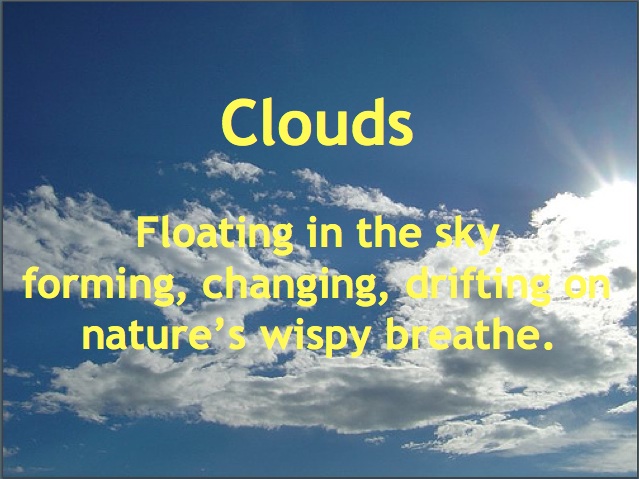
Image : http://heightstechnology.edublogs.org/files/2010/10/cloud-205bdge.jpg
Papel Picado means “pierced paper” in Spanish. In Mexico, artists use special tools to pierce through many layers of paper at once. In Mexico, people create Papel Picado banners to celebrate holidays and different occasions.1. Set up your STEAM mini spark recording page: #4: Papel Picado
2. Set up your recording page with these sections
WHAT IS PAPEL PICADO?
PRE-COLOMBIAN PAPER
CULTURAL INFLUENCES CHINA
CULTURAL INFLUENCES SPAIN
GENERATIONAL FOLK ART
2. Read the lesson pages. On your recording sheet write a few sentences for each section.
3. Watch this instruction video. On your recording page write the supplies you will need.
4. Ask your EY teacher to help you find paper and string for your project.
5. Ask your teacher to use this template and print it on the colorful paper for you.
6. If you want to use the template to get started, and then create your own design that is great.
7. Create a simple Papel Picado following the steps from the video. If you want to print out this instruction page you can
8. Take a picture of your project and add it to your recording page.
9. Share your STEAM mini spark recording page with your teacher/EY coordinator.
According to coderdojo.com, CoderDojo is a global movement of free, volunteer-led, community based programming clubs for young people. While Westside Community Schools hasn’t officially started a Dojo, the EY Team is excited to try it out to see if there is any interest.
The first CoderDojo will be held on Saturday, September 19 for students in grades K-6. There will be a second Dojo on Saturday, November 21. Both Dojos will run from 9:30 am – 12:00 pm at Westgate Elementary on 7802 Hascall St. A parent or guardian must be present for the duration of the Dojo.
Based on interest and feedback, further Dojos will be scheduled throughout the year.

1. Set up your STEAM mini spark recording page: #3:The Physics of Playing Guitar
2. Watch this STEAM education intro. Record the STEAM topics on your recording sheet
3. Find out about the Physics of Playing Guitar by watching the video below. What components of STEAM are discussed in this video? What’s something new thing you learned? Add your responses to your recording page.
4. Share your STEAM mini spark recording page with your teacher/EY coordinator.
Check out the Music Love badge at the EY Website